


;}.cls-5{fill:url(%23linear-gradient-2);}.cls-6{fill:url(%23linear-gradient-3);}.cls-7{fill:url(%23linear-gradient-4);}.cls-8{fill:%232d3136;}%3c/style%3e%3clinearGradient%20id='linear-gradient'%20x1='173.22662'%20y1='83.041153'%20x2='269.62073'%20y2='83.041153'%20gradientUnits='userSpaceOnUse'%3e%3cstop%20offset='0'%20stop-color='%237929d2'%20id='stop4'%20/%3e%3cstop%20offset='1'%20stop-color='%230070c5'%20id='stop6'%20/%3e%3c/linearGradient%3e%3clinearGradient%20id='linear-gradient-2'%20x1='179.78728'%20y1='-1.87884'%20x2='178.9799'%20y2='93.40757'%20gradientUnits='userSpaceOnUse'%3e%3cstop%20offset='0'%20stop-color='%2300aeff'%20id='stop9'%20/%3e%3cstop%20offset='1'%20stop-color='%239454db'%20id='stop11'%20/%3e%3c/linearGradient%3e%3clinearGradient%20id='linear-gradient-3'%20x1='232.84549'%20y1='37.632019'%20x2='212.26581'%20y2='1.98698'%20gradientUnits='userSpaceOnUse'%3e%3cstop%20offset='0'%20stop-color='%2366a9dc'%20id='stop14'%20/%3e%3cstop%20offset='1'%20stop-color='%23b1e4fa'%20id='stop16'%20/%3e%3c/linearGradient%3e%3clinearGradient%20id='linear-gradient-4'%20x1='237.4232'%20y1='9.7026796'%20x2='249.11588'%20y2='90.576942'%20xlink:href='%23linear-gradient-2'%20/%3e%3clinearGradient%20xlink:href='%23linear-gradient-2'%20id='linearGradient61'%20gradientUnits='userSpaceOnUse'%20x1='179.78728'%20y1='-1.87884'%20x2='178.9799'%20y2='93.40757'%20/%3e%3c/defs%3e%3cg%20id='g918'%20transform='matrix(2.4165646,0,0,2.4165646,-3.9527031,-3.5166707)'%3e%3cpolygon%20class='cls-1'%20points='137.154,121.601%20105.31,135.046%20132.385,148.72%20'%20id='polygon22'%20/%3e%3cpolygon%20class='cls-2'%20points='68.401,139.419%2034.434,126.703%2042.309,153.408%20'%20id='polygon24'%20/%3e%3cpolygon%20class='cls-3'%20points='84.508,115.518%20105.31,135.046%2068.401,139.419%20'%20id='polygon26'%20/%3e%3cpolygon%20class='cls-3'%20points='38.535,97.167%2034.434,126.703%208.759,101.076%20'%20id='polygon28'%20/%3e%3cpolygon%20class='cls-4'%20points='137.154,121.601%20220.982,44.482%20258.666,94.416%20'%20id='polygon30'%20style='fill:url(%23linear-gradient)'%20/%3e%3cpolygon%20class='cls-5'%20points='137.154,121.601%20172.959,8.13%20220.982,44.482%20'%20id='polygon32'%20style='fill:url(%23linearGradient61)'%20/%3e%3cpolygon%20class='cls-6'%20points='172.959,8.13%20258.666,8.13%20220.982,44.482%20'%20id='polygon34'%20style='fill:url(%23linear-gradient-3)'%20/%3e%3cpolygon%20class='cls-7'%20points='258.666,94.416%20258.666,8.13%20220.982,44.482%20'%20id='polygon36'%20style='fill:url(%23linear-gradient-4)'%20/%3e%3c/g%3e%3c/svg%3e)

Spindle 2
CNC machine · MQTT
- Load
- 112%
- Temperature
- 68 °C
- Event
- Overload
- Command
set_feed_rate
OPEN BETA
The physical AI harness that puts agents to work on your devices.
curl -fsSL https://emqx.sh/device-agent | shirm https://emqx.sh/device-agent.ps1 | iexWorks with what you build on
Choose the LLM that fits your stack. Device Agent gives it live device data, operational context, and tools to act and check the result.
CNC machine · MQTT
set_feed_rateEnergy storage · SDK
set_reserveWarehouse · IoT platform
set_air_curtain/workspace/botWhich systems can you connect to?
List connectors
Here’s what I can work with:
Connectors
Messaging & edge
MQTTEMQX NeuronEX
Cloud
AWSMicrosoft AzureGoogle CloudGraphs & platforms
Azure Digital TwinsNeo4j ThingsNeural
Other platforms are adapted per project.
Feed rate
set_feed_rate 85
from 100%
Read back 85%
Backup reserve
set_reserve until=06:40
from 20%
Read back Until 06:40
Air curtain
set_air_curtain on
from Off
Read back On
Choose which devices and tools an agent can access. Require approval before selected actions run.
Device Agent checks the state reported by the device after a change. Physical safety controls stay with the equipment.
Feed rate
Send asset device command set_feed_rate 85
Approval needed
This tool requires explicit approval.
Approval granted once.
State
from 100%
Read back 85%
CNC machines, batteries, cold rooms, and the rest stay as they are.
The networks and platforms your devices use today stay in place.
Device Agent runs in your environment. Device data and history stay there.
Ask about any device from the chat apps your team already uses.
Your devices get a brain.
See how agents use live device data to coordinate work across vehicles, factories, buildings, and other physical systems.
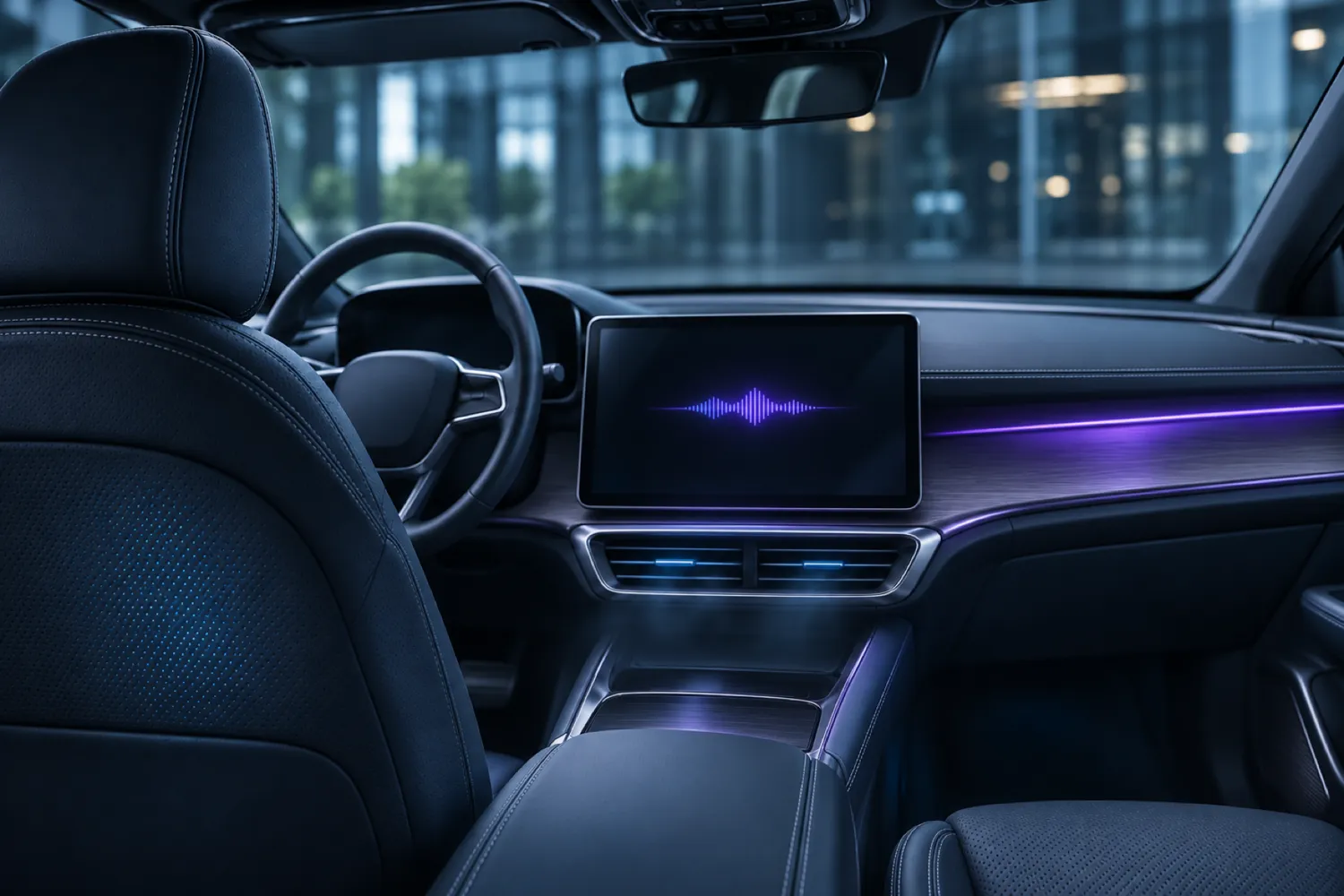
An agent coordinates climate, seats, lighting, and audio across suppliers. Reuse the same scenes across vehicle models.
“I’m a bit warm. Make it comfortable.”
Done. Each module confirmed its new state.
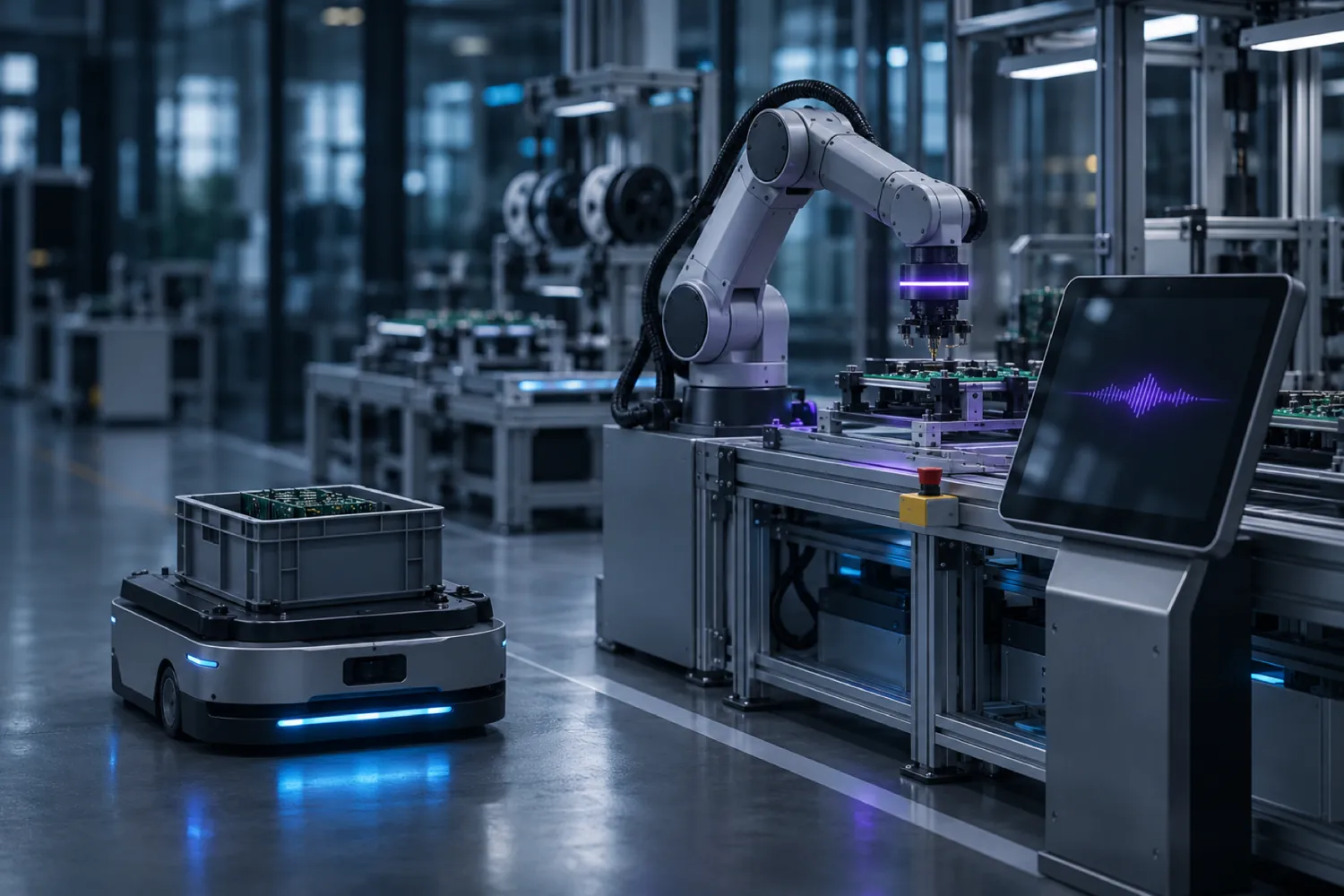
When a machine reports low material, an agent coordinates an automated guided vehicle and a robot arm. It confirms the resupply and updates the manufacturing execution system.
“Station 4 is low on housings.”
Station 4 resupplied and confirmed.
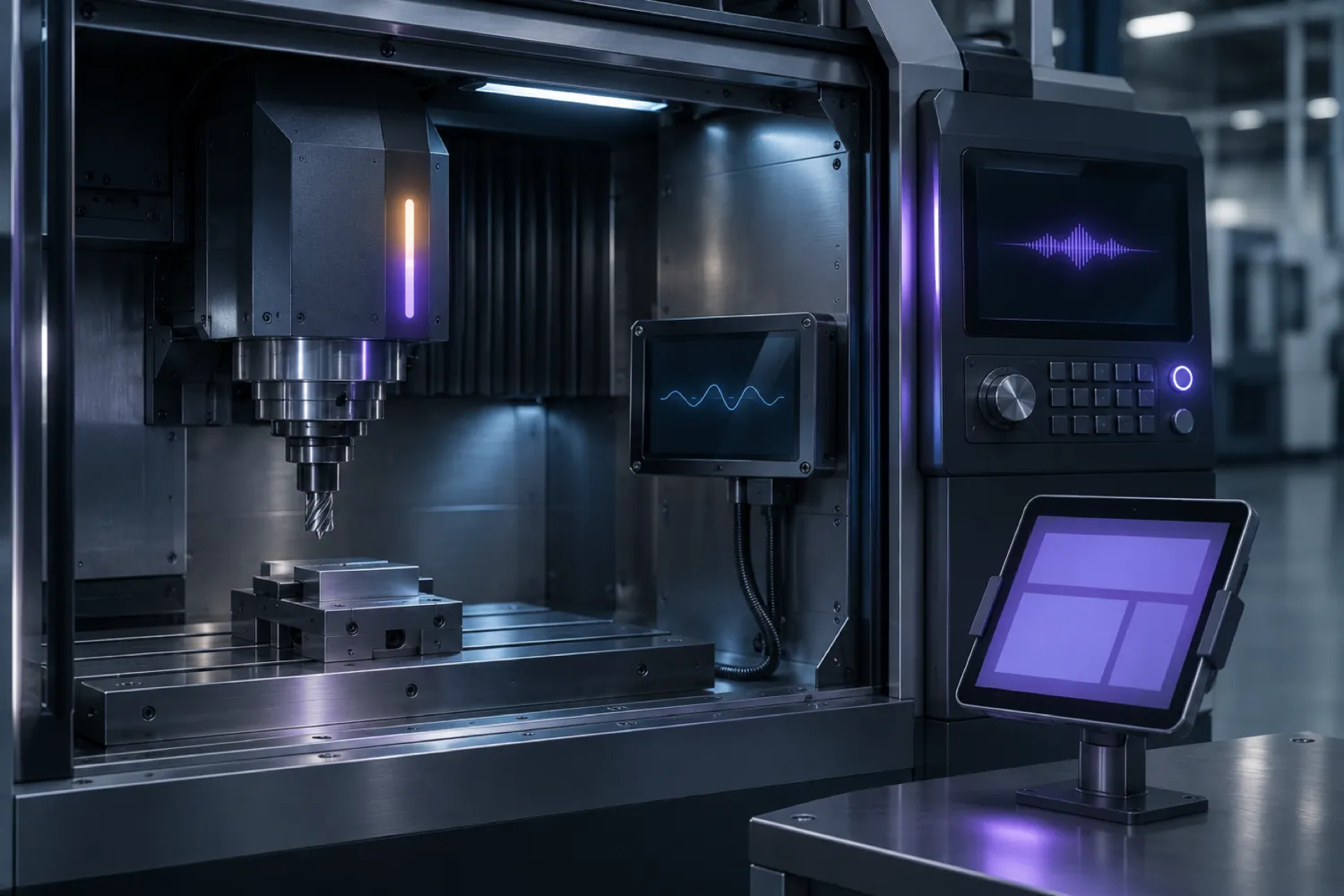
An agent combines alarm codes, load trends, and repair history with your diagnostic models to draft a work order for review.
“Spindle 2 raised an overload alarm.”
Draft ready for review, with readings attached.
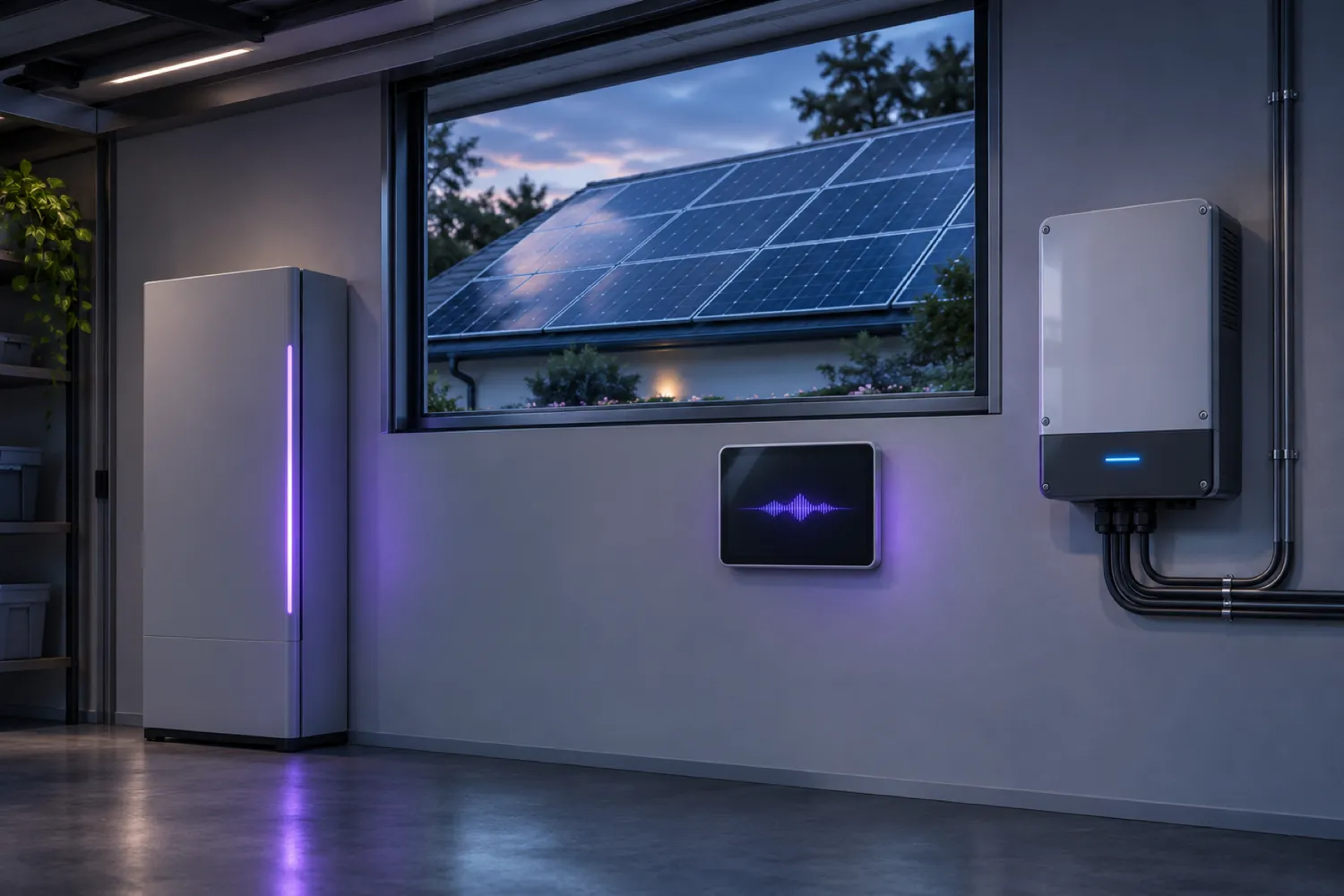
An agent uses battery state, weather, and tariffs to schedule charging while respecting the backup reserve you set.
“Keep 40% backup tonight. Charge when it’s cheapest.”
Plan active. 40% stays in reserve.
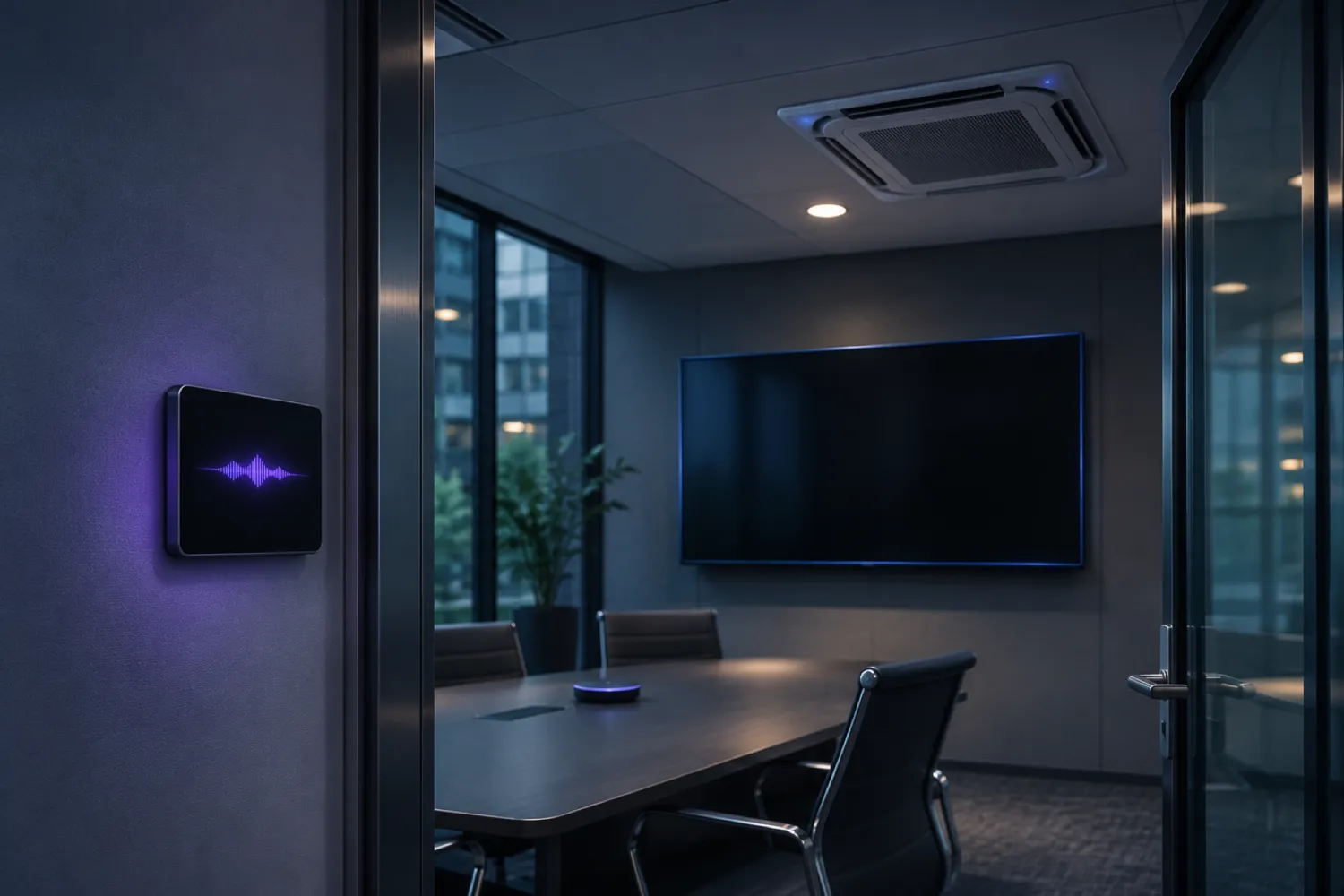
An agent checks equipment and schedules lighting and climate from room bookings. If something needs attention, it alerts facilities in team chat.
“Prepare room 3A for the 2 pm meeting.”
Climate and lights scheduled for 13:50.
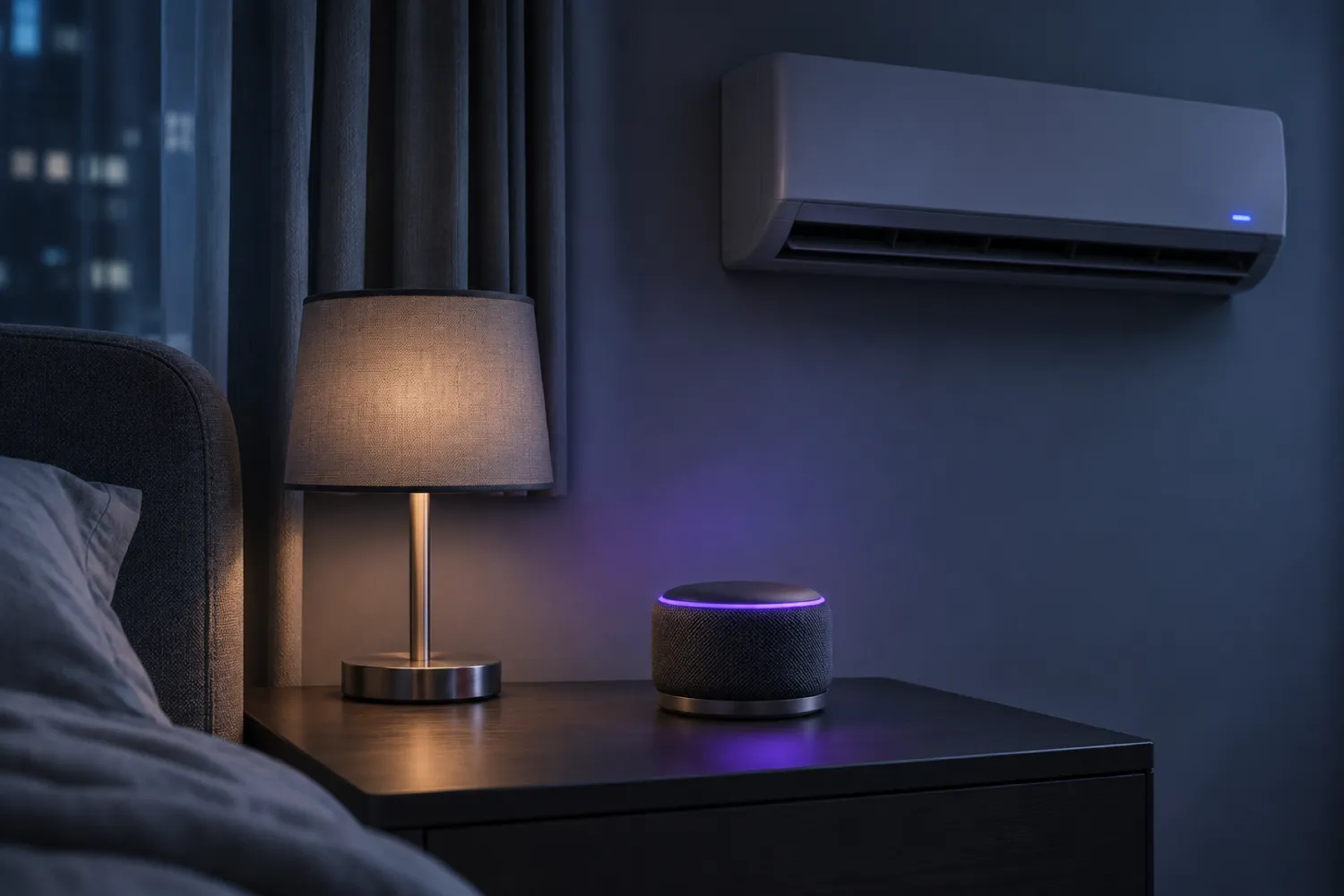
Give a product agent voice interaction, memory, and product knowledge so it can respond in context and coordinate with other devices.
“I’m going to sleep.”
Sleep scene on. Each device confirmed.
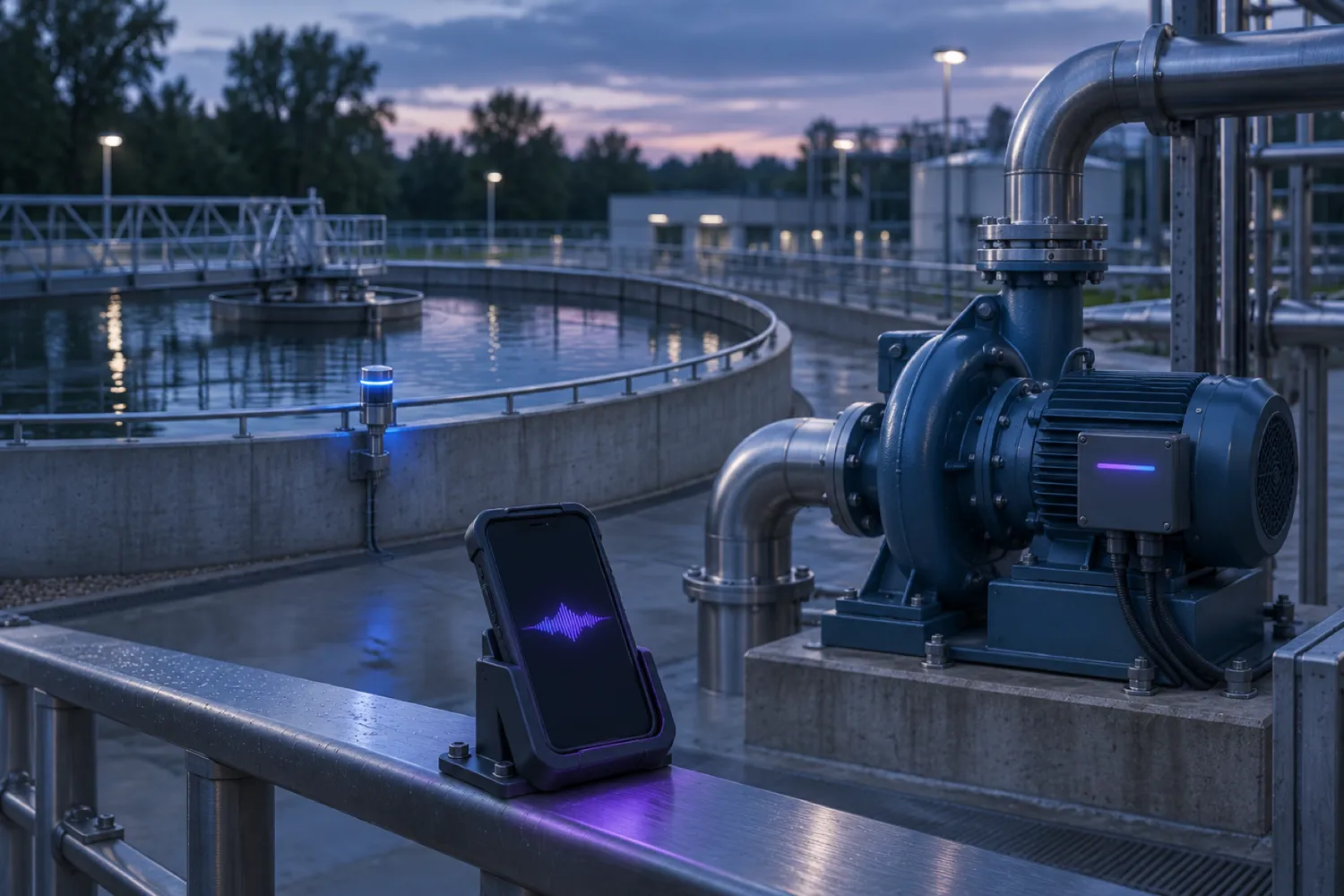
An agent gathers sensor, pump, and dosing readings, finds the approved procedure, and sends the readings to the on-call operator.
“pH is out of range at clarifier 2.”
Operator notified with readings attached.
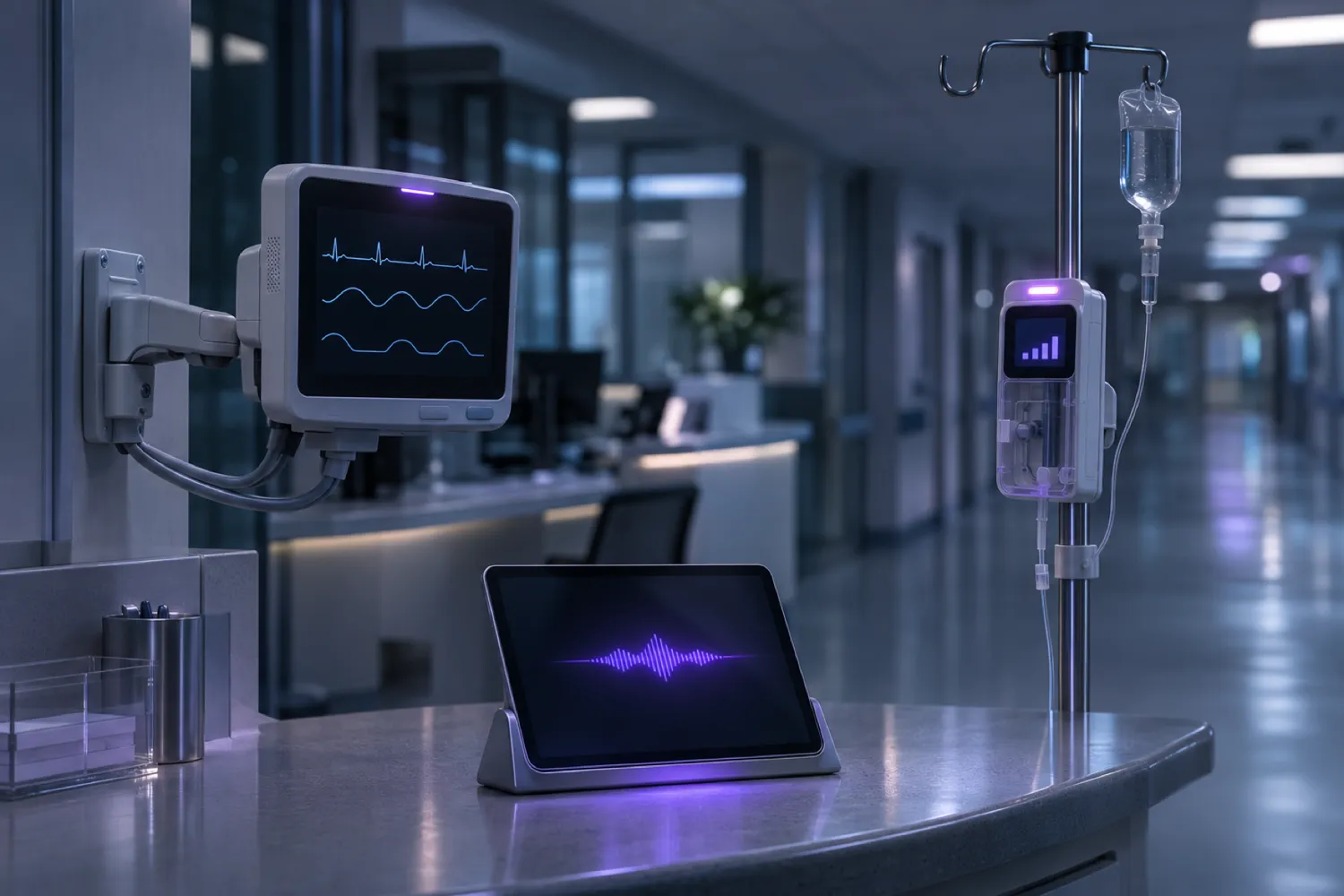
Staff can ask an agent about ward equipment and send open alerts to biomedical engineering. Clinical decisions stay with care teams.
“Which devices on ward 5 have open alerts?”
Biomedical engineering notified for both devices.
It connects an AI model to live device data, operational context, and tools. Device Agent lets agents act within the permissions you set and check the device state after a change.
Yes. A supported adapter gives the agent access to the platform’s native device models and permitted operations. You can also connect devices directly over MQTT or with an SDK. Other platforms require an integration.
Yes. Define a device and use the browser simulator to test what the agent can read, which commands it can send, and how it responds to events. When you connect hardware, you can generate an SDK and implement the drivers and device behavior.
Yes. Add domain knowledge and reusable instructions through skills. Use tools to connect data, algorithms, and APIs. Workflows and multi-agent scenes can combine those resources with device operations.
Device Agent supports Anthropic, OpenAI, Qwen, Kimi, and Doubao, as well as other endpoints configured by base URL. You can switch models without changing your device integrations.
The standalone harness runs on your machine on macOS, Linux, or Windows and connects to devices through EMQX. Device state, history, and configuration are stored where it runs. Your chosen model provider receives the context needed for each request.
You set the device scope, available tools, permissions, and workflow conditions. An agent can only use actions the device supports, and you can require approval for selected actions. Physical safety controls stay with the equipment and its control systems.